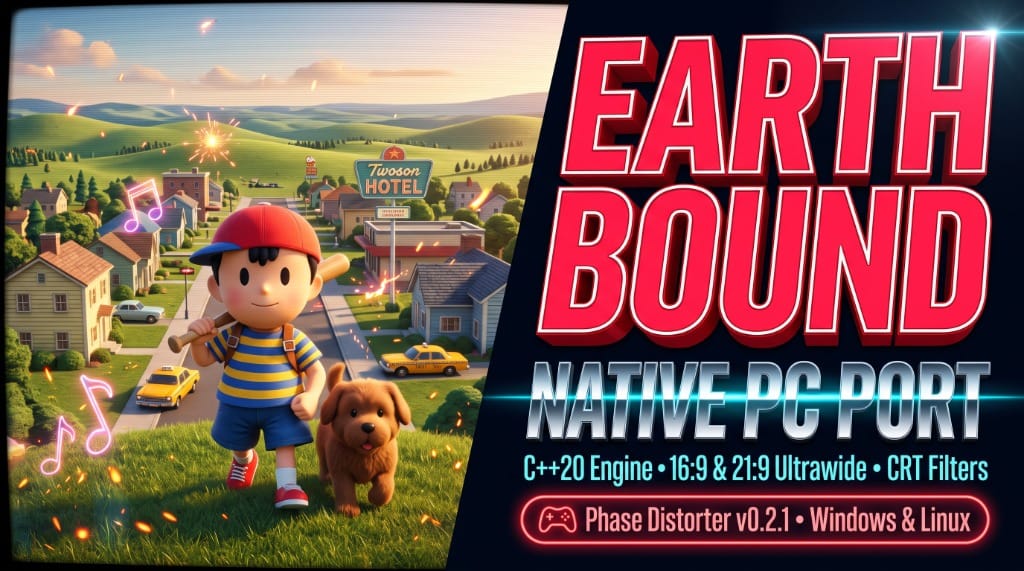

For more than thirty years, Shigesato Itoi’s 1994 masterpiece—known as Mother 2: Gīgu no Gyakushū in Japan and EarthBound in North America—has stood as one of the most eccentric, emotionally resonant, and fiercely beloved RPGs ever created. From the quirky suburbs of Onett and the neon-drenched streets of Fourside to the haunting horrors of Giygas, the Super Nintendo classic continues to inspire generations of game designers.
Yet for PC players, experiencing Ness’s cosmic adventure has always meant running Super Nintendo emulators: locked to the original 256x224 internal resolution, constrained within rigid 4:3 borders, and subject to audio latency and frame-pacing overhead.
That era has officially come to an end. Developer TheRunaway5 has released Phase Distorter—a complete, native desktop PC port of both EarthBound and Mother 2 written entirely in modern C++20 for Windows and Linux.
From SNES Silicon to Native C++20
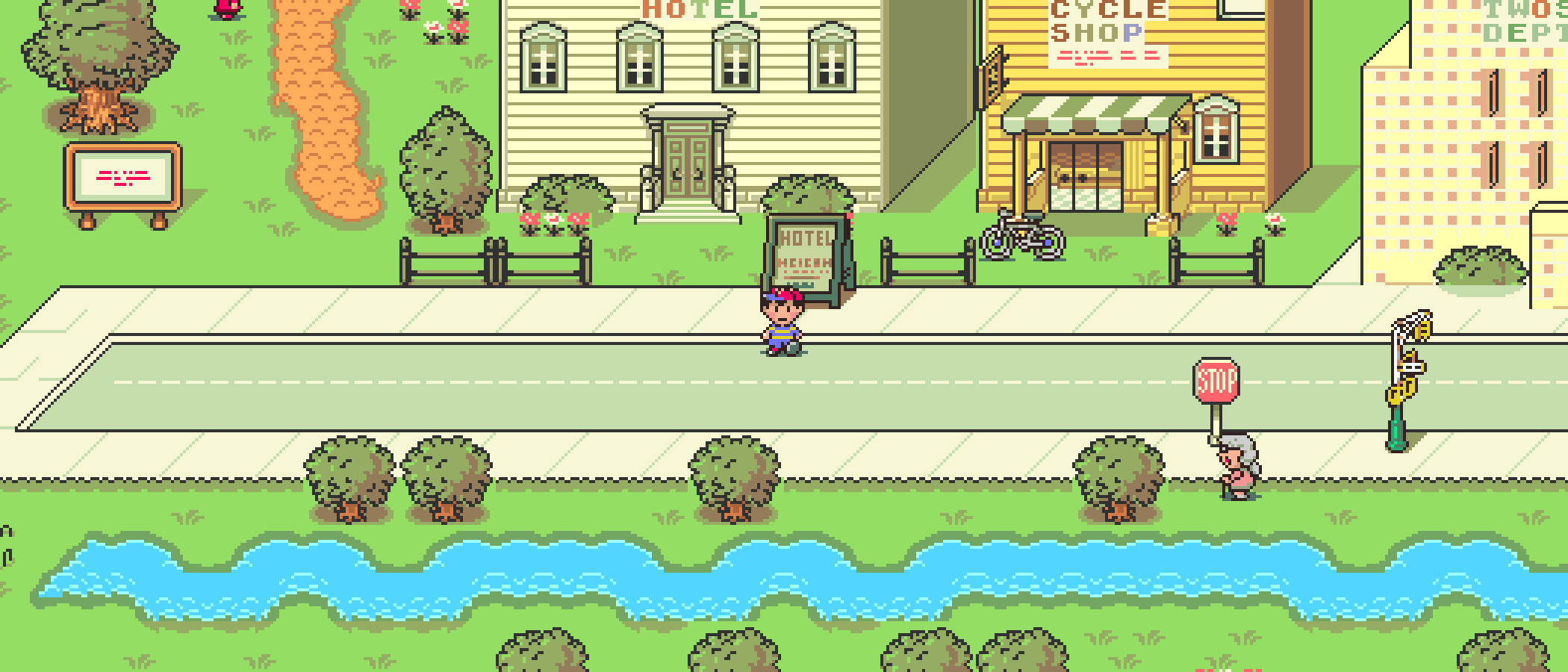
Unlike traditional emulators that simulate the Super Nintendo's Ricoh 5A22 CPU and Picture Processing Units in real time, Phase Distorter executes as a true native desktop application. Compiled with C++20, SDL2, and desktop OpenGL, the engine runs directly on host processors with near-zero latency, pristine frame pacing, and unthrottled performance.
Key architectural highlights of the native engine include:
- Dual-Game Engine: Seamlessly supports both the English North American retail release of EarthBound and the original Japanese Mother 2, running their respective compiled programs, dialogue scripts, and character fonts.
- Clean-Room Ingestion: In strict compliance with open-source legal hygiene, the repository contains zero copyrighted ROMs or pre-extracted Nintendo assets. On first launch, players simply provide their own legally obtained
.sfcor.smccartridge dump. - Cryptographic Validation: The setup window validates the supplied ROM against canonical SHA-256 checksums, extracts audio and graphic assets into a standalone
.ebpakcache in your user data directory, and immediately releases the ROM. Subsequent launches boot instantly without asking for the ROM again. - Persistent Battery Saves: Directly compatible with standard
.srmbattery save files, allowing players to carry existing save files over from hardware cartridges or emulators without losing progress.
Ultrawide Support & The Actor Preloading Breakthrough
The headline feature of Phase Distorter is its breathtaking widescreen implementation. While retro widescreen hacks often suffer from jarring pop-in—where enemies, NPCs, and props materialize out of thin air when crossing into the expanded margins—developer TheRunaway5 engineered a sophisticated offscreen actor preloading system.

In the latest v0.2.1 release, the engine refines this pipeline even further:
- 16:9, 21:9, and 32:9 Viewports: Whether playing on a standard widescreen laptop, a 21:9 productivity monitor, or a 32:9 super-ultrawide gaming display, the town maps, dungeons, and sanctuary locations render seamlessly across the entire display.
- No Disappearing NPCs: The v0.2.1 update corrects edge-case scanning behavior, ensuring stationary townsfolk, streetlights, gift boxes, trash cans, and sanctuary boss triggers remain rendered and interactive as Ness walks between screen margins.
- Widescreen Cutscenes: In-game scripted events and map cutscenes now expand to fill widescreen viewports naturally, preserving cinematic composition without harsh black letterboxing.
Authentic CRT Filtering & Controller Support
For players who prefer the warm, nostalgic phosphor glow of 1990s cathode-ray tube televisions, Phase Distorter bundles a custom-built CRT shader pipeline:
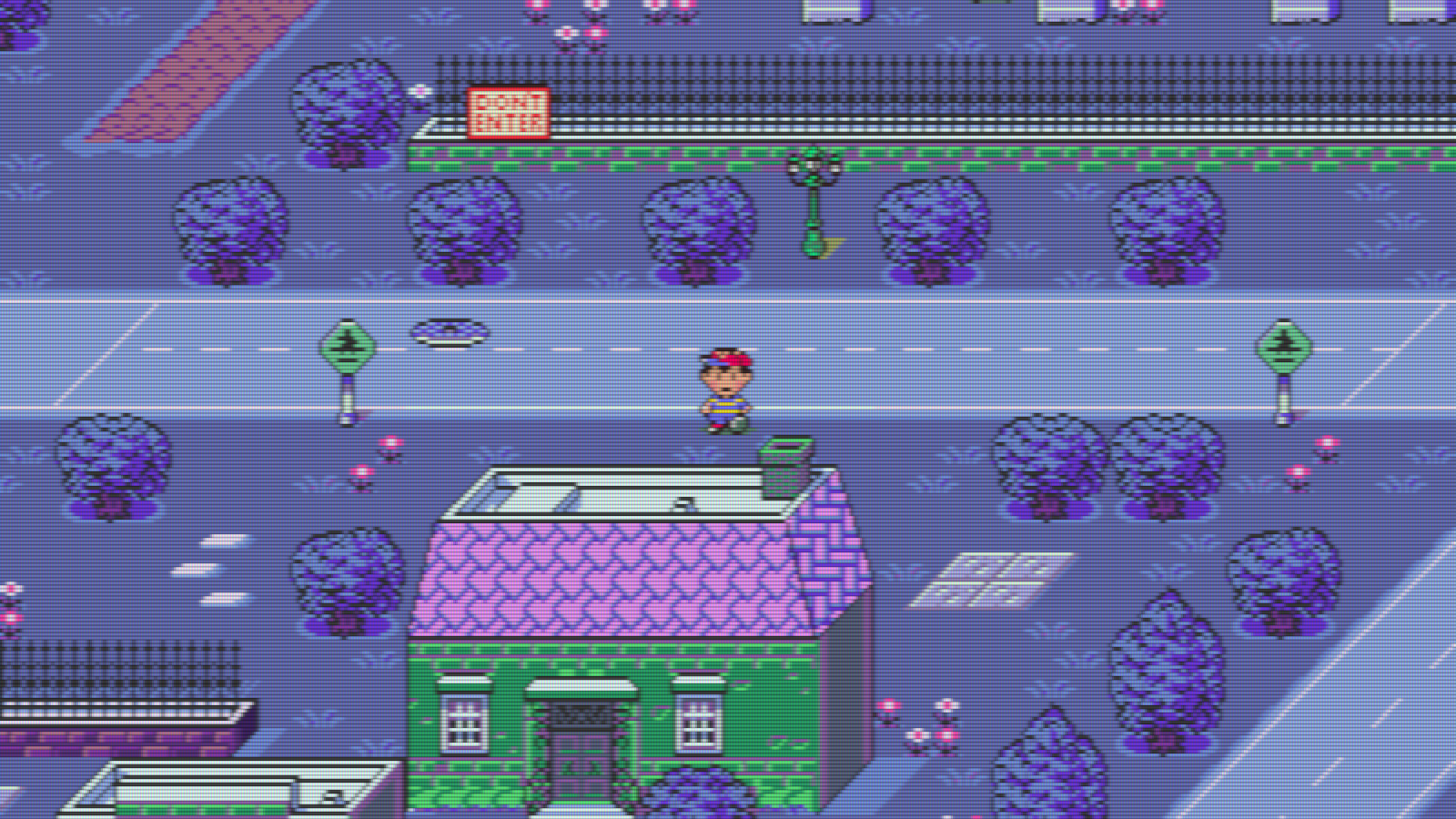
- Aperture Grille & Scanlines: Toggling the CRT filter adds authentic horizontal scanlines, phosphor aperture grille masks, and subtle color bleed without sacrificing high-resolution geometry clarity.
- Native Controller Mapping: Full out-of-the-box support for modern gamepads (Xbox, PlayStation DualSense, Switch Pro) as well as the official SNES Nintendo Switch Online controller, automatically matching the original button ergonomics.
- Built-in Settings HUD (F1): Pressing
F1brings up a native settings drawer to toggle CRT effects, switch between English and Japanese asset packs, and configure fullscreen modes (F11) on the fly.
How to Install and Play Phase Distorter
Getting started on Windows or Linux takes only a few minutes:
- Download the Release: Grab the latest
Phase-Distorter-0.2.1-windows-x86_64.ziporPhase-Distorter-0.2.1-linux-x86_64.zipfrom the Phase-Distorter GitHub repository. - Extract the Folder: Extract the entire archive to your games directory (e.g.,
C:\Games\PhaseDistorter\). KeepSDL2.dllalongside the main executable. - Import Your ROM: Launch
Phase Distorter.exe. In the setup prompt, select your legally dumped US EarthBound or Japanese Mother 2 ROM. Click Import. - Step Into the Sound Stone: The game will verify the checksum, compile the local asset cache, and launch straight into the intro sequence.
The Preservation Verdict
Phase Distorter is a shining example of how modern reverse engineering and C++20 recompilation can revitalize classic 16-bit masterworks. By pairing faithful original logic with ultrawide camera rendering, offscreen actor preloading, and pristine CRT emulation, TheRunaway5 has delivered the definitive way to experience EarthBound on modern hardware.