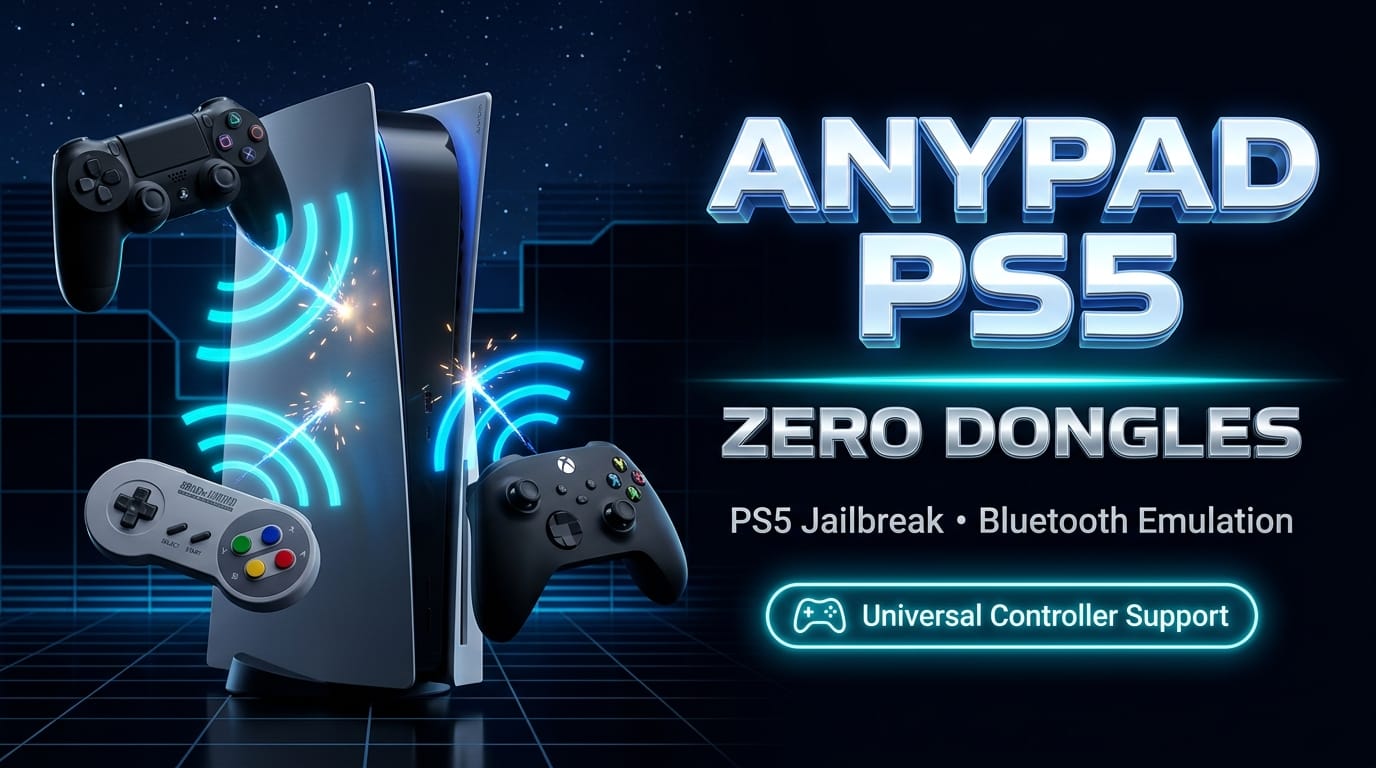

Night cycle update from the digital wire: AnyPad PS5 v0.6.0-beta has landed, and it lands like a hardware exploit for the soul. If you are operating on an exploitable PlayStation 5 console, this release stops treating your controller collection as second-class citizens. By emulating a native DualSense directly in kernel space, third-party pads, retro fightsticks, and cross-platform controllers finally receive the exact same cryptographic handshake Sony reserves exclusively for its own hardware. No USB dongles. No converter boxes. No hardware tax.
Developed by prolific homebrew engineer elmonomalvad0 (the developer behind the acclaimed sinfiltros project), AnyPad PS5 cuts straight through one of the most frustrating artificial moats of the modern console generation: Sony's rigid, anti-consumer restriction forbidding players from using perfectly capable Bluetooth gamepads on PS5 software.
The Death of the Dongle Tax: Why Software Emulation Wins
Ever since the launch of the PlayStation 5 in late 2020, Sony enforced an aggressive walled garden around peripheral support. While the console natively allows a DualShock 4 to navigate system menus and play legacy PS4 backward-compatible titles, launching any native PS5 game immediately triggers an OS-level lockout demanding a DualSense controller.
To circumvent this, competitive fighting game players, accessibility advocates, and multi-platform gamers were forced to purchase expensive physical USB adapter dongles—such as the Brook Wingman FGC, Mayflash Magic-X, or Cronus Zen—ranging anywhere from $50 to $80. Beyond the financial barrier, hardware converters suffer from inherent physical drawbacks:
- Port Wear & Clutter: Bulky USB dongles protrude from the console's front and rear I/O ports, increasing the risk of mechanical port damage.
- Input Latency: Hardware signal re-encoding invariably introduces microsecond translation latency that tournament players and rhythm gamers can feel.
- Firmware Cat-and-Mouse Bans: Hardware converters frequently get blocked or restricted whenever platform holders push security updates.
AnyPad PS5 renders the entire USB dongle industry obsolete for jailbroken consoles. By running as a native ELF payload directly inside the FreeBSD-derived PlayStation 5 operating system, AnyPad intercepts incoming Bluetooth HID reports from arbitrary gamepads, translates their button matrices in real-time, and feeds them into the system input pipeline spoofed as an official Sony DualSense (USB ID: 054c:0ce6). The console never knows the difference, and neither do your games.
Under the Hood: The In-Console Web Dashboard (Port 8095)
One of AnyPad's slickest architectural design decisions is its zero-friction user interface. Rather than requiring users to manually fiddle with command-line arguments or FTP configuration files, the payload spins up an embedded, lightweight HTTP web server directly on port 8095.
Users can interface with AnyPad in two convenient ways:
- Directly on the Console: Once the payload is running, an interactive AnyPad shortcut appears natively in the PS5's Media content row.
- Remotely via Browser: Open any web browser on your phone, tablet, or desktop connected to the same local Wi-Fi/Ethernet network and navigate to
http://<ps5-ip-address>:8095.
WORKFLOW // ANYPAD PS5 DISPATCH
# 1. Inject Payload
Send AnyPad-PS5-0.6.0-beta.elf via your preferred payload sender (etaHEN, kstuff-lite, ShadowMountPlus)

# 2. Access Management UI
Navigate to console Media row -> "AnyPad" (or visit http://192.168.x.x:8095)

# 3. Initiate Bluetooth Pairing
Click "Pair" on the web interface, then activate pairing mode on your gamepad:
  * DualShock 4: Hold SHARE + PS Button until lightbar pulses white
  * Switch Pro / 8BitDo: Hold Sync Button until LEDs chase
  * Xbox Controller: Hold Pairing Button for 3 seconds

# 4. User Assignment
When the PS5 OS prompts "Who is using this controller?", choose:
  [ Quick play / Guest ] (Temporary Session User)

# 5. Graceful Teardown
When finished playing, always click [ Stop AnyPad PS5 ] on the dashboard
Selecting the Quick play / Guest account profile is critical: it prevents credential conflicts between the spoofed DualSense virtual HID handle and your primary PlayStation Network user profile during active runtime.
What's New in AnyPad PS5 v0.6.0-Beta
The v0.6.0-beta release represents a massive stability leap forward, incorporating real-world telemetry and kernel logs submitted by early adopters across the jailbreak scene:
FIRMWARE BREADTH Expanded Kernel Support
Rigorously verified on PS5 "Fat" models running Firmware 10.01 with the latest ShadowMountPlus and kstuff-lite payload chains.
LOCALIZATION Bilingual Dashboard (EN / ES)
The web control center and system notifications now dynamically adapt to your console's system language, offering complete English and Spanish coverage.
8BITDO STABILITY Fixed D-Pad & Analog Polling
Overhauled input packet parsing for 8BitDo controllers, completely eliminating D-pad jitter, axis deadzone drift, and dropped analog stick polling frames.
CUSTOM MAPPING Generic HID .map Engine
Introduced custom mapping configuration files for third-party pads not yet officially in the kernel database via flexible DirectInput/Android layouts.
Comprehensive Controller Compatibility Matrix
Every supported controller in AnyPad PS5 has a discrete device ID entry coded into the repository. The v0.6.0-beta compatibility roster is structured across three distinct tiers:
1. Verified Hardware (Tested on Real PS5 Hardware)
These gamepads have been personally tested on physical PlayStation 5 hardware and confirmed fully operational:
- Sony DualShock 4 v2 (
054c:09cc, Model CUH-ZCT2): Full digital and analog mapping. - 8BitDo SF30 Pro (Configured in Nintendo Switch Mode): Zero-lag wireless input with smooth analog stick response.
2. DualShock 4 & Pro Controller Family
- Sony DualShock 4 v1 (
054c:05c4, Model CUH-ZCT1) - Hori Onyx (
0f0d:00f6) - Razer Raiju Ultimate (
1532:1009) - Razer Raiju Tournament Edition (
1532:100a) - SCUF Vantage 2 (
2e95:7725) - Sony DualSense Edge (
054c:0df2)
3. Nintendo Switch & Retro Pads
- Nintendo Switch Pro Controller (
057e:2009, and compatible clones) - Nintendo Switch Online SNES Controller (
057e:2017) - Nintendo Switch Online N64 Controller (
057e:2019) - Nintendo Switch Online Mega Drive / Genesis 6-Button Pad (
057e:201a)
Note: Haptic vibration/rumble is currently disabled for Nintendo Switch controllers while the driver protocol is being finalized.
4. Microsoft Xbox Controllers
- Xbox One S (Classic Bluetooth Firmware:
045e:02e0/045e:02fd) - Xbox Elite Series 2 (Classic Bluetooth:
045e:0b00/045e:0b05) - Xbox Adaptive Controller (Classic Bluetooth:
045e:0b0a) - Xbox Series X|S & Modern Firmware Pads (Bluetooth Low Energy / BLE:
045e:0b13,045e:0b20,045e:0b22)
Note on Bluetooth LE: Modern Xbox firmware utilizes Bluetooth Low Energy with Secure Connections pairing; hardware validation is ongoing to verify whether the PS5 onboard Bluetooth chipset completes all cryptographic exchange steps across every firmware revision.
5. Third-Party HID Roster & Generic Profiles
AnyPad includes built-in HID descriptor parsing for a massive variety of mobile and retro gamepads:
- GameSir: G3s, G4s, G7 Pro, T1s, T2a
- SteelSeries: Multi-revision Bluetooth gamepads
- NVIDIA Shield Controller: 2017 Revision (
0955:7214) - PowerA: MOGA Hero, MOGA Pro, MOGA Pro 2
- Specialty & Retro: Bionik Vulkan, Atari VCS Modern Controller, Hyperkin Scout, Mocute 050, Xiaomi Mi Controller
- Generic HID Gamepads: Any standard Bluetooth HID controller can be mapped via custom
.mapconfiguration files adhering to Android/Xbox or DirectInput axis orders.
Known Quirks and the Roadmap to v0.6.1
Because AnyPad operates at the boundary between kernel-level Bluetooth drivers and userland input dispatchers, a few minor quirks exist in the current beta build:
Known Issue — DualSense Reconnection Loop: If an official Sony DualSense controller powers off and attempts to reconnect wirelessly while AnyPad is actively running, its lightbar may remain blinking blue indefinitely. The development team is actively engineering a hotfix for this behavior in the forthcoming v0.6.1 maintenance release. In the interim, simply click "Stop AnyPad PS5" on the web dashboard before reconnecting the DualSense.
- DualShock 4 Re-Pairing: The DualShock 4 currently requires a quick re-pair sequence each time the controller is power-cycled, whereas 8BitDo and Switch controllers reconnect autonomously.
- Bluetooth Hang Recovery: If the console ever fails to discover a controller, connect an official DualSense via USB cable, toggle Bluetooth off and on in the PS5 System Settings (which prompts a quick console restart), and relaunch the AnyPad ELF.
Download, Checksum & Community Verification
AnyPad PS5 is 100% free, open-source software distributed under the GNU General Public License v3.0 (GPL-3.0-or-later). The developer is actively requesting community testing logs from owners of untested hardware to expand the verified compatibility table.
BINARY INTEGRITY // RELEASE MANIFEST
Release:       AnyPad PS5 v0.6.0-beta
Date:          6 October 2026
Author:        elmonomalvad0 (@elmonomalvad0)
Repository:    https://codeberg.org/elmonomalva0/Any-Pad-ps5
Download:      https://codeberg.org/elmonomalva0/Any-Pad-ps5/releases/tag/v0.6.0-beta
Binary File:   AnyPad-PS5-0.6.0-beta.elf
SHA-256:       e357fbd4689e8e47fbaba66fd116eec3726d848b033166c596899135aac47ffc
Log Feedback:  [email protected] (Attach /data/anypad/anypad.log)
For players holding onto their jailbroken PlayStation 5 consoles on firmware 10.01 and below, AnyPad PS5 is an essential quality-of-life liberation. It proves once again that console hardware limitations are rarely technical—they are commercial. And in the nocturnal homebrew underground, commercial walls exist to be brought down.