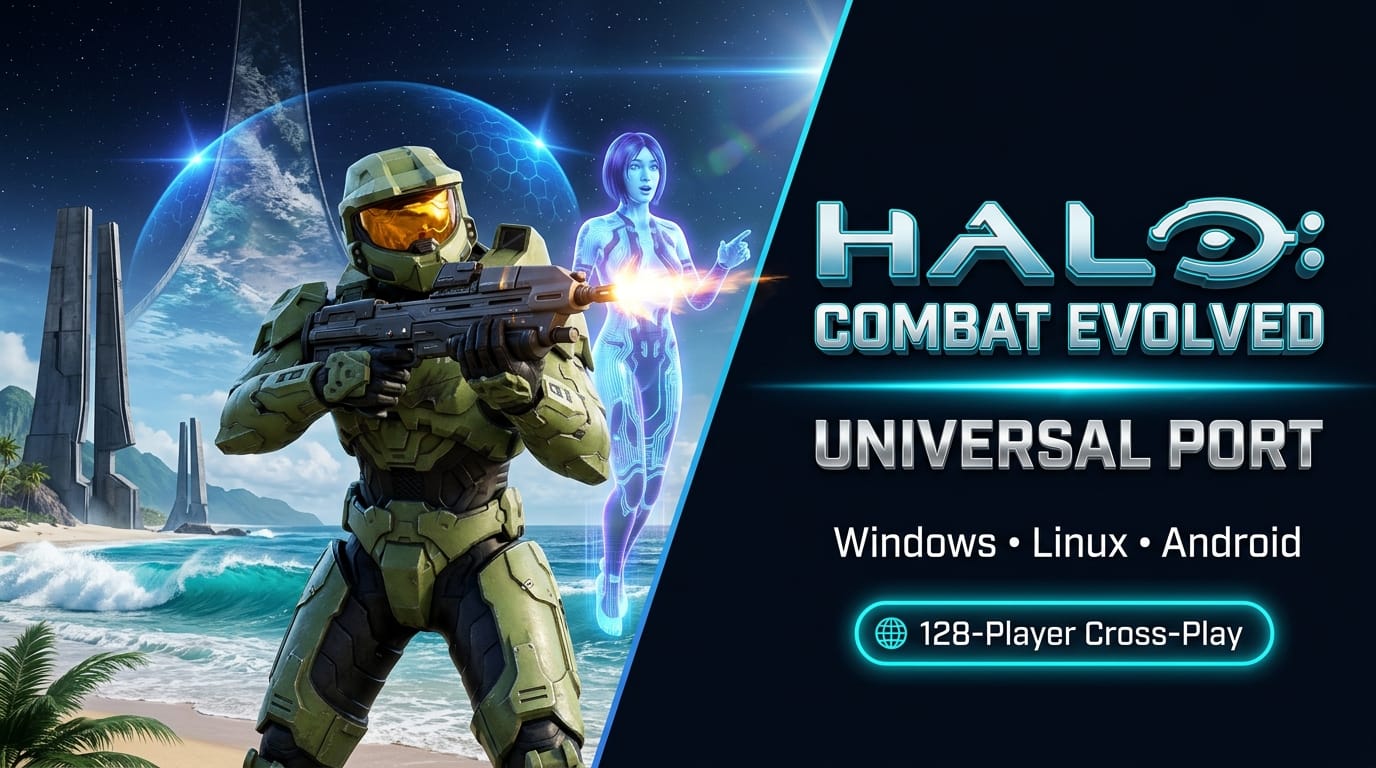

Bungie’s legendary sci-fi shooter that defined the original Xbox and reshaped console gaming forever has received one of the most ambitious native decompilation ports in history. The open-source project halo-ce-universal brings Halo: Combat Evolved natively to Linux, Windows, and Android with cross-play multiplayer supporting up to 128 players, modern netcode, and an automated updater.
Unlike standard PC releases or traditional emulators like Xemu, halo-ce-universal compiles the original Xbox codebase directly into native desktop and mobile binaries. Derived from the groundbreaking reverse-engineering efforts of punpckhdq/halo and bnunu/halo-1, the project decompiles the iconic Xbox build 2342 (cachebeta.exe) into high-performance C/C++ running on top of modern graphics and audio APIs.
True Cross-Platform Fidelity: Windows, Linux & Android
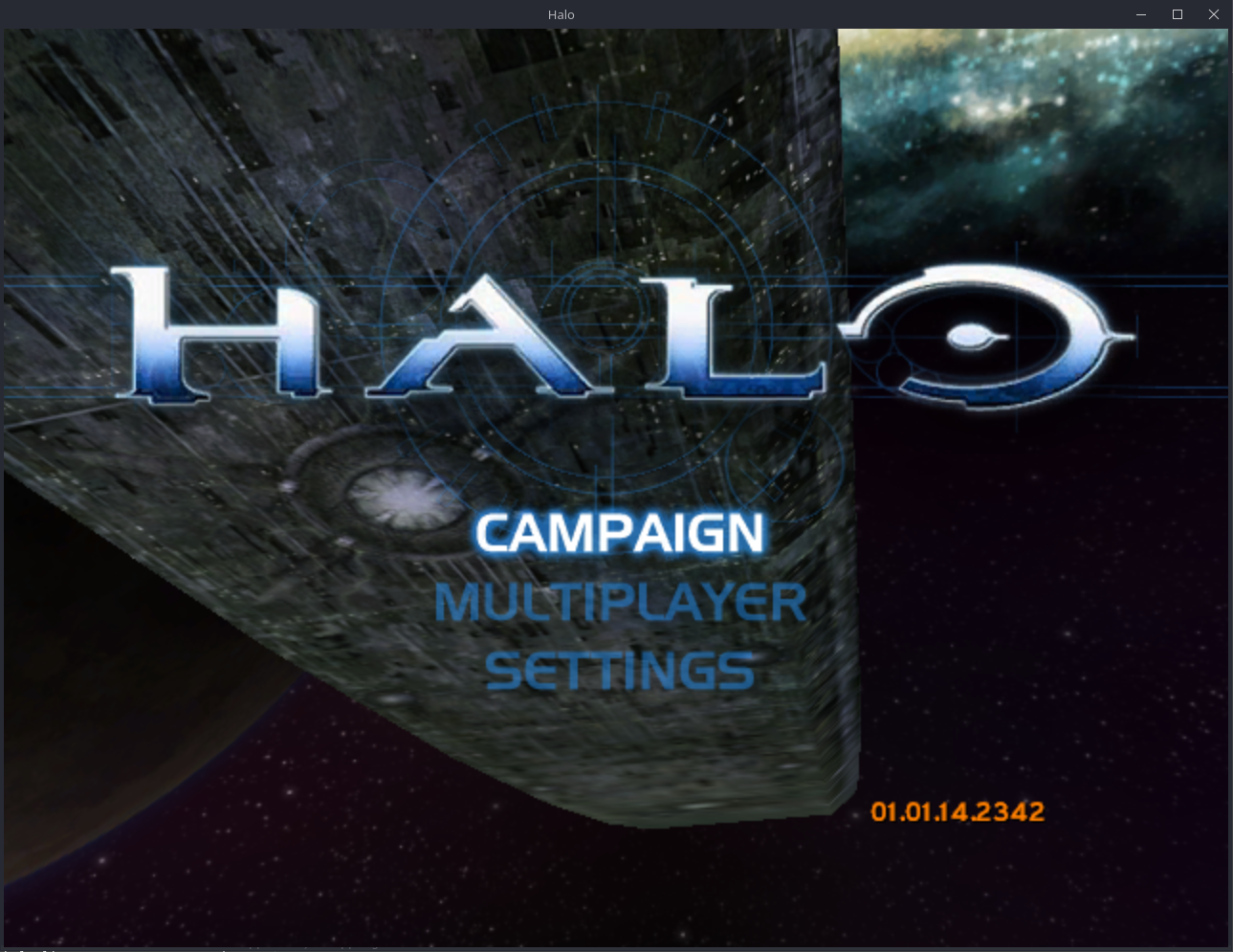
By leveraging SDL3 and modern rendering backends, halo-ce-universal strips away decades of legacy Direct3D 8 dependencies and replaces them with portable, high-efficiency pipelines:
- Windows & Linux (x86): Full 32-bit native desktop executables powered by OpenGL 4.5 and SDL3, offering ultra-low input latency, uncapped frame rates, and arbitrary widescreen/ultrawide display resolutions.
- Android (arm64): A dedicated 64-bit mobile build running via OpenGL ES 3 and SDL3. You can literally carry the full original Xbox campaign and LAN multiplayer experience in your pocket.
- Modern Compiler Optimizations: Built with Clang and Ninja, supporting Link-Time Optimization (LTO), Profile-Guided Optimization (PGO), and CPU-specific SIMD instruction sets for blistering performance.
Revolutionary Multiplayer: 128-Player Cross-Play & Modern Netcode
The multiplayer capabilities in halo-ce-universal go far beyond the original 16-player console limits:
- 128-Player System Link: Up to 128 players across up to 128 individual machines can battle in a single match over local network or direct internet connections.
- Seamless Cross-Play: Linux PCs, Windows rigs, and Android smartphones can all connect and frag each other within the exact same lobby.
- Decentralized Internet Matches: Host games directly over the internet via simple shareable invite links—no third-party matchmaking servers or Xbox Live infrastructure required.
- Brand New Client-Authoritative Netcode: The original console networking model has been completely overhauled. Each client predicts and executes local movement instantaneously while the designated host arbitrates game events, eliminating the sluggish peer-to-peer lag of early 2000s console networking.
Built-In Auto-Updater & Clean Asset Extraction
Following strict preservation and legal best practices, halo-ce-universal does not distribute any proprietary Microsoft or Bungie copyrighted assets, sounds, or map files. Instead, it features a completely automated first-launch extraction pipeline:
- Download the latest release zip for your platform.
- Launch the game. On first boot, the application will prompt you to select an Xbox disc image (
.isoor.xiso) of Halo: Combat Evolved (all retail revisions are supported). - The game automatically unpacks the official
maps/directory alongside the executable and launches straight into the Pillar of Autumn. - Integrated Self-Updater: At startup, the engine queries GitHub Actions releases. If a newer build is available, it notifies you and can automatically apply the update.
Mobile Setup Note for Android: Android users simply run the extraction once on a PC or extract the maps/ directory manually, transfer the folder to their device, and select it using the in-app folder picker on first launch.Project Links & Direct Downloads
GitHub Actions automatically builds fresh release and debug artifacts on every commit to the main branch. The project is actively maintained with frequent performance and networking updates:
🔗 Project Links & Downloads
- GitHub Repository: github.com/cybersecurity/halo-ce-universal
- Windows Release: halo-windows-release.zip (Latest Direct Download)
- Linux Release: halo-linux-release.zip (Latest Direct Download)
- Android Release: halo-android-release.zip (Latest APK Package)
- GitHub Releases Page: All Release Builds & Changelogs