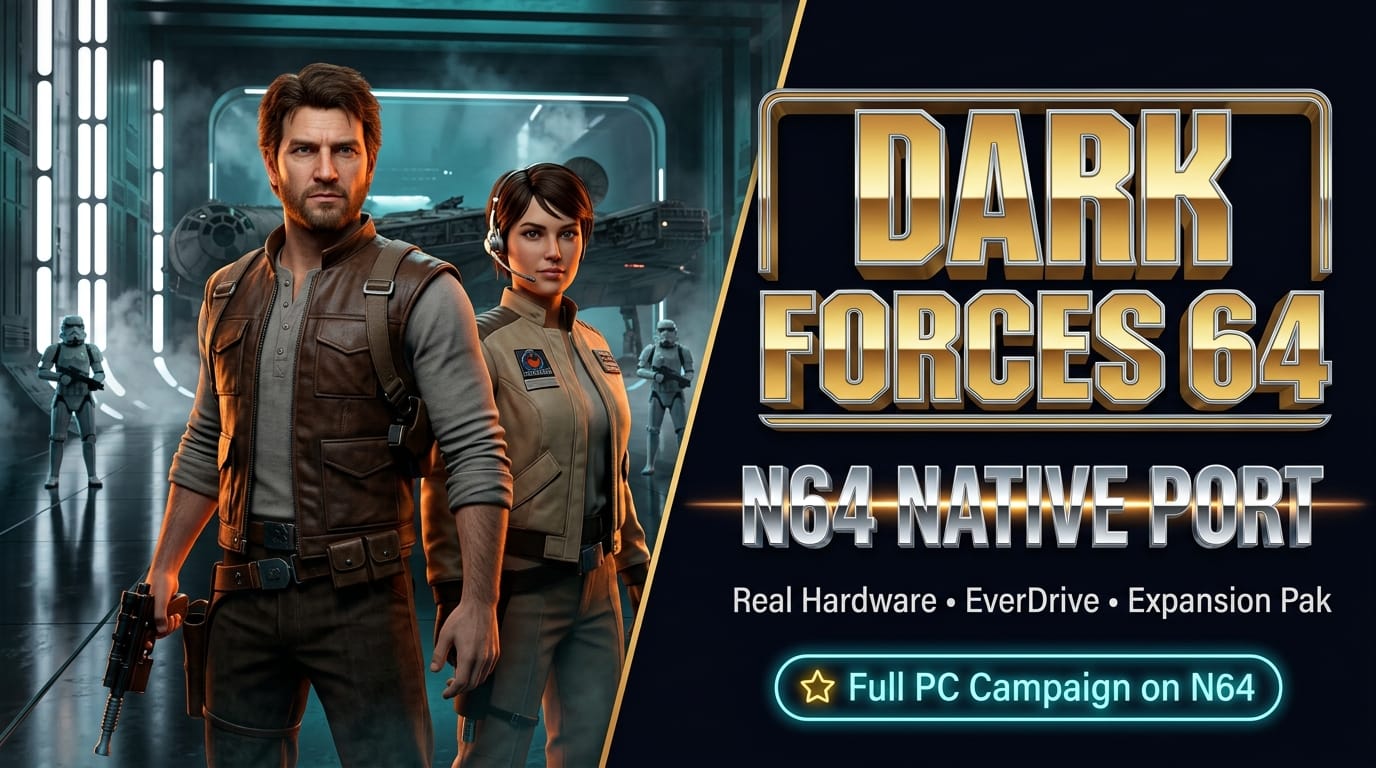

In 1995, LucasArts launched Star Wars: Dark Forces, introducing gaming to former Imperial officer turned Rebel mercenary Kyle Katarn. Powered by the proprietary Jedi engine, Dark Forces was years ahead of its time—pioneering full vertical looking, jumping, crouching, multi-story sector geometry, and atmospheric mission objectives that broke far beyond the standard corridor shootouts of the early 3D era.
While the game received a Sony PlayStation conversion in 1996, the Nintendo 64 was famously bypassed. Instead, N64 owners received Star Wars: Shadows of the Empire, leaving retro enthusiasts to wonder for three decades what Kyle Katarn’s high-octane laser battles would have felt like on Nintendo's 64-bit hardware. The game’s hefty ~300 MB CD-ROM footprint was long assumed to be an insurmountable obstacle for standard cartridge silicon.
That barrier has officially fallen. Fresh off his acclaimed Doom RPG Nintendo 64 port, homebrew developer BigChat88 (reported by ReCollect64) has unveiled Dark Forces 64: a fully native homebrew port that squeezes the entire LucasArts PC adventure into a 63 MB cartridge ROM capable of running directly on real N64 hardware.
The Engine: The Force Engine Meets libdragon
Rather than relying on emulation or lossy FMV conversions, Dark Forces 64 is a native recompilation built on top of two powerhouse open-source foundations: The Force Engine (TFE)—luciusDXL's reverse-engineered modern source port of the Jedi engine—and libdragon, the premier modern homebrew SDK for the Nintendo 64:
- Squeezing 300 MB into 64 MB: To fit within the physical ROM limits of standard flashcarts like the EverDrive-64 and SummerCart64, BigChat88 engineered
compact_levels.py, a specialized preprocessing tool that strips extraneous indentation, comments, and redundant formatting from original INF/O level files while optimizing texture alignments. - Roland SC-55 MIDI Synthesis: Rather than forcing compressed audio streams into ROM storage, the project ships with a Roland SC-55 General MIDI SoundFont (
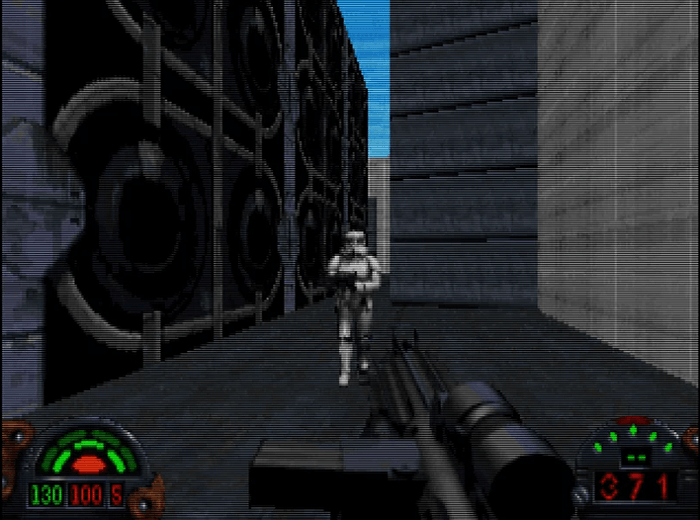
soundfont/SC55.sf2). The build pipeline dynamically converts and embeds the SoundFont, reproducing the iconic Michael Land soundtrack with authentic instrument fidelity directly through the N64's Reality Coprocessor (RCP). - Uncompromised Visuals: All 14 original missions—from the opening Death Star plans heist on the secret base of Danuta to the Imperial Star Destroyer Arc's Hammer—render with smooth frame pacing, full light levels, and original animated cutscene sprites.
Expansion Pak Hardware & Tailored N64 Controls
Running a full mid-90s PC FPS engine on console hardware pushes the N64 to its limits. Because the game actively streams mission assets and manages dynamic memory pools, an N64 Expansion Pak (4MB RAM upgrade for 8MB total RAM) is strictly required. The game will safely refuse to boot on an unexpanded 4MB base console.
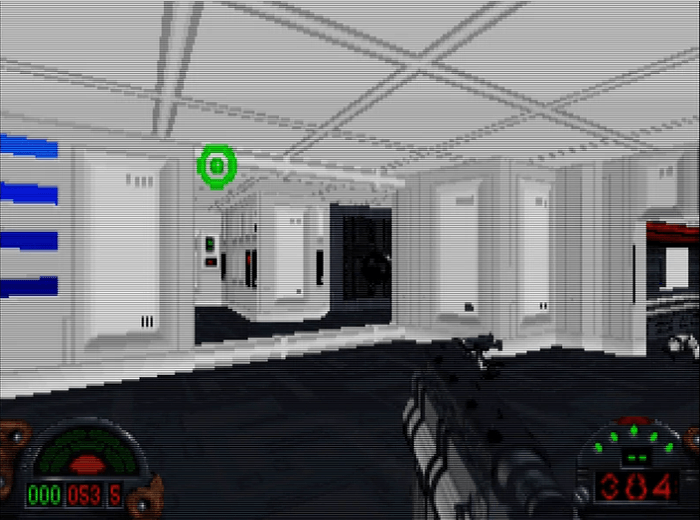
The control layout has been carefully mapped to the Nintendo 64 controller’s unique trident grip, giving players intuitive access to Kyle’s full tactical arsenal:
- Movement & Strafing: The analog stick handles precise movement and turning, while
C-LeftandC-Rightexecute strafing maneuvers.C-Downcrouches, andC-Upinstantly re-centers your vertical pitch. - Combat & Secondary Fire: Pulling the
Ztrigger fires the active weapon, while holdingR + Zengages secondary firing modes (such as thermal detonator fuse timing or repeater cannon spreads). - Vertical Look: Holding
R + C-UporR + C-Downpans your gaze up and down to target elevated snipers on catwalks. - Equipment & Inventory: The D-Pad cycles through Kyle’s weapons, activates the headlamp (
D-Down), and deploys tactical gear like Night Vision Goggles, Gas Masks, and Ice Cleats viaR + D-Padcombos. - Interactive PDA & Automap: Pressing
Ltoggles the live vector automap, whileR + Startopens Kyle’s full mission briefing PDA. - Cartridge SRAM Saves: Progress saves seamlessly to standard 256 kbit cartridge SRAM, automatically recognized by flashcarts and emulators alike.
Zero-Toolchain ROM Packing: How to Play
In accordance with strict legal preservation guidelines, the N64DarkForcesPort repository distributes zero proprietary Lucasfilm or Disney assets. Instead, it includes an automated packaging pipeline that turns your own legally purchased game files into a runnable darkforces64.z64 ROM in seconds—requiring only standard Python 3 on Windows or Linux, with no Docker or N64 SDK installations needed:
- Download the latest pre-compiled release archive from the GitHub Releases page and extract it.
- Locate your legal copy of Star Wars: Dark Forces from Steam, GOG, or the original 1995 PC CD-ROM.
- Copy the following files from your installation folder into the project's
gamedata/directory:DARK.GOB,SOUNDS.GOB,SPRITES.GOB,TEXTURES.GOBLOCAL.MSG- The entire
LFD/folder (containing all cutscene and mission assets)
- On Windows, double-click
build.cmd(or runpython tools/pack_rom.pyfrom the terminal). - Within seconds, your compiled
output/darkforces64.z64file is ready to copy to an EverDrive-64 or launch in cycle-accurate emulators like Ares or simple64.
Project Links & Downloads
Dark Forces 64 is an open-source project released under the GPL-2.0 license, welcoming community feedback and bug reports:
🔗 Project Links & Downloads
- GitHub Repository: github.com/BigChat88/N64DarkForcesPort
- Direct Release Downloads (v0.5.0): DarkForcesPort GitHub Releases
- Original Announcement & Coverage: ReCollect64 Blog (Feature Entry #b424)
- The Force Engine (Upstream): luciusDXL/TheForceEngine
- libdragon N64 SDK: DragonMinded/libdragon