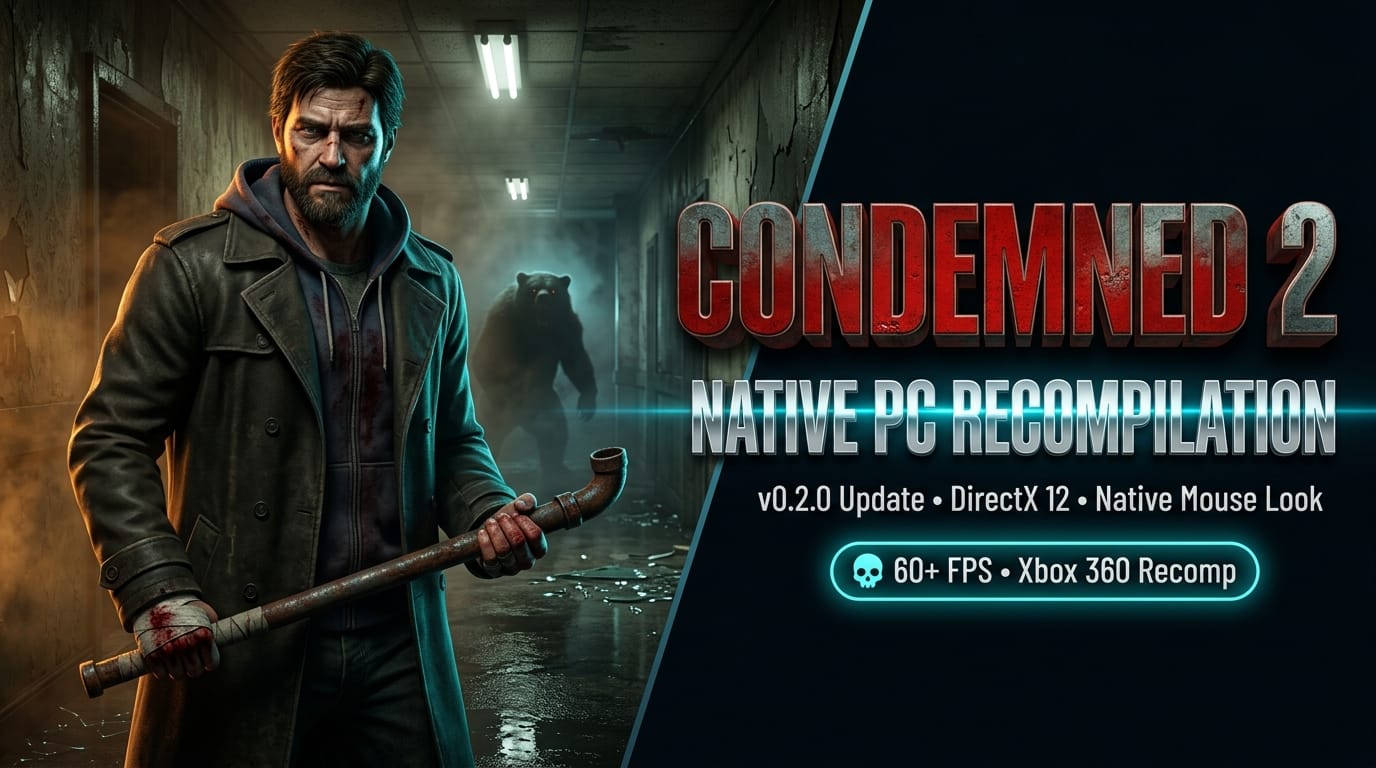

When Monolith Productions unleashed Condemned: Criminal Origins in 2005, PC gamers were treated to one of the most visceral, terrifying first-person survival horror experiences of the era. But when its dark, bone-crunching sequel—Condemned 2: Bloodshot—arrived in 2008, it remained marooned exclusively on the Xbox 360 and PlayStation 3. For eighteen years, PC players have clamored for a native port of Ethan Thomas's descent into Metro City's madness.
While experimental emulator forks of RPCS3 and Xenia could boot the game with varying degrees of success, players often had to endure severe shader glitches, audio desyncs, crashing physics, and sluggish performance. Today, that narrative has fundamentally changed: open-source developer psxrestore has officially released Condemned2Recomp v0.2.0, bringing Monolith's cult survival horror classic to native PC via static recompilation.
What is Condemned2Recomp?
Rather than running an emulator that translates the Xbox 360's PowerPC (Xenon) instructions one-by-one on the fly, Condemned2Recomp leverages the cutting-edge RexGlue-SDK framework. The recompiler parses the original Xbox 360 executable and translates its entire machine code corpus into native x86-64 C/C++ ahead-of-time.
The result is a standalone native Windows binary rendering through DirectX 12. Because the CPU instructions execute natively on host silicon with direct hardware access, the game bypasses the massive virtualization overhead of traditional emulators—unlocking smooth frame pacing, high resolutions, and high-framerate melee combat.
What's New in Release 0.2.0
The v0.2.0 milestone represents a massive leap in accessibility, stability, and control fidelity for everyday PC gamers:
- Automated First-Time Setup Launcher: Gone are the days of manually executing command-line extraction tools across multiple directories. The new launcher automatically ingests your legitimate Xbox 360 game ISO, extracts the required game asset hierarchy, fetches official Title Updates, and stages the runtime in a single guided process.
- Custom Input Driver with Native Mouse Look: Early builds relied on virtual gamepad stick emulation, which felt sluggish with a mouse. Version 0.2.0 introduces a ground-up custom input driver featuring true 1:1 raw mouse look, seamless control remapping, and dedicated fixes for minigames like TV antenna tuning and forensic calibration.
- In-Engine Graphics Settings: Players can now customize Level of Detail (LOD) sliders for 3D meshes and dynamic shadows, along with customizable toggles for post-processing and Ethan's hallucination screen distortion effects.
- DirectX 12 Performance & Stability: Major refactors to the DX12 backend eliminate previous GPU driver crashes, fix texture flickering, and deliver rock-solid 60+ FPS combat across Metro City's derelict buildings and the infamous snowbound cabin bear sequence.
- Linux & Steam Deck Roadmap: The developers confirmed that active work is underway on upcoming patches to bring full native Linux and Steam Deck support into parity with Windows.
PC Controls & Input Configuration
With v0.2.0's input driver overhaul, keyboard and mouse combat feels natural for fans of traditional first-person PC survival horror:
| Action | Default Key | Function |
|---|---|---|
| Movement | W A S D |
Standard first-person navigation |
| Swing Left / Aim | Left Mouse Button |
Left hook, melee swing, or weapon aim |
| Swing Right / Shoot | Right Mouse Button |
Right hook, heavy swing, or fire weapon |
| Sprint & Kick | Shift / Space |
Tactical sprint and crowd-control kick |
| Interact & Flashlight | E / F |
Forensic examination and flashlight toggle |
| In-Game Settings | F4 |
Live graphic and input adjustment menu |
(Full gamepad support with Xbox and DualSense controllers is also supported out of the box.)
Clean-Room Compliance & How to Play
Following in the footsteps of landmark projects like N64Recomp and gbarecomp, Condemned2Recomp is 100% clean-room compliant. The project repository and release binaries contain no copyrighted game assets, audio files, textures, or proprietary Microsoft code.
To run the recompilation, players must legally own an original retail copy of Condemned 2: Bloodshot (Xbox 360) and extract their own files using the new v0.2.0 automated setup launcher.
🔗 Project Links & Resources
- Official v0.2.0 Release: Condemned2Recomp on GitHub
- Source Code Repository: psxrestore/Condemned2Recomp
- Underlying Engine Core: RexGlue-SDK on GitHub