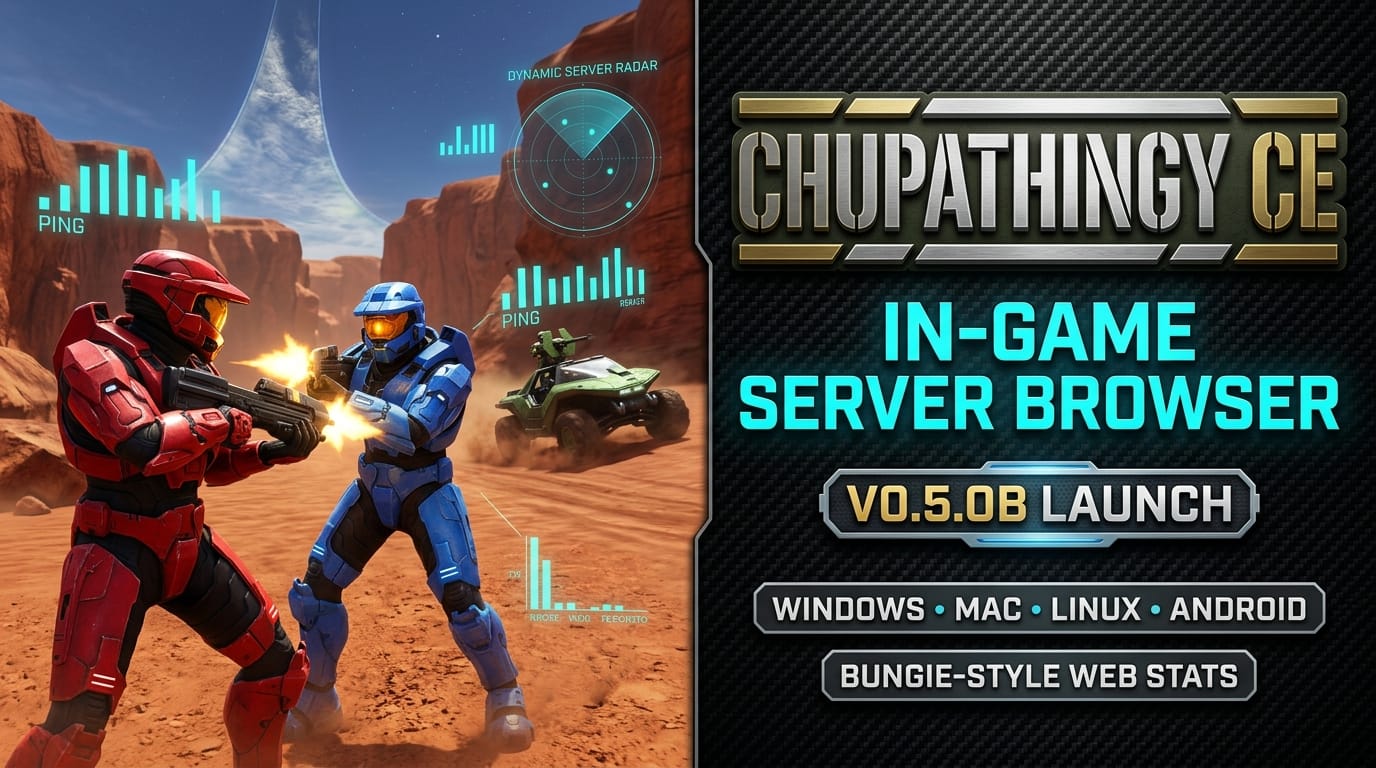

"What in the sam hell is a puma? How about chupathingy, how about that?" In a loving nod to the foundational machinima that put Blood Gulch on the cultural map, Xbox modding and reverse-engineering veteran Milenko (@dtoxmilenko) has officially launched ChupathingyCE (v0.5.0b)—a feature-packed, unified community distribution of OpenCE that finally gives the Halo: Combat Evolved decompilation scene the seamless multiplayer ecosystem it deserves.
While upstream OpenCE has been sprinting forward with rapid daily commits, raw compiler branches can be daunting for casual players. ChupathingyCE bridges that gap by wrapping the native decompilation into a polished, self-updating package featuring an integrated in-game server browser, frictionless NAT punching, cross-play across four major operating systems, and full Bungie.net-style web carnage reports at halo.milenko.org.
The Holy Grail: An In-Menu Server Browser
Up until now, jumping into multiplayer matches in modern source ports often involved copying raw IP addresses, configuring port forwarding rules on home routers, or pasting command-line launch arguments. ChupathingyCE eliminates all of that friction by injecting an "Online Games" browser directly into the original Xbox Multiplayer menu.
• In-Menu Server List: Join matches with A or host a public lobby with Y straight from the classic UI.
• Zero Port Forwarding: Automatic direct peer-to-peer NAT punchthrough for home networks.
• Universal Deep Links: Click-to-join links (
halo://join/…) you can drop in Discord or Twitter.• True Cross-Play: Native clients for Windows, macOS (Apple Silicon & Intel), Linux, and Android.
• Web Carnage Reports: Post-game medals, K/D spreads, service records, and leaderboards on halo.milenko.org.
• Dedicated Docker Servers: Run headless, 24/7 dedicated multiplayer server rotations on any Linux box.
True Four-Platform Cross-Play
Because ChupathingyCE maintains strict protocol compatibility with OpenCE (matching Network Version 9, compatible with upstream build-55 through build-65), players aren't cordoned off into fragmented islands. A player on an M3 MacBook Pro, a desktop Windows PC, a Steam Deck running Linux, and an Android phone can all pile into the same Blood Gulch lobby and battle for the sniper rifle.
| Platform | Native Execution | Online Browser & Stats | Auto-Updater |
|---|---|---|---|
| Windows (10/11) | ✅ Native x64 | ✅ Fully Integrated | ✅ Built-in |
| macOS (13+) | ✅ Universal (Apple Silicon & Intel) | ✅ Fully Integrated | Manual for now |
| Linux | ✅ Native (SDL3 32-bit) | ✅ Fully Integrated | ✅ Built-in |
| Android (9+) | ✅ Native 64-bit APK | ✅ Fully Integrated | ✅ Built-in |
Web Carnage Reports & Modern Polish
One of the project's most nostalgic additions is the companion portal at halo.milenko.org. Evoking memories of the golden Bungie.net era from 2004–2010, the platform automatically logs every match finished on ChupathingyCE hosts:
- Post-Game Carnage Reports: Detailed scoreboards breaking down kills, deaths, assists, suicide penalties, and medals (Double Kill, Killing Spree, Running Riot, Road Rage).
- Persistent Service Records: Players can register a profile in-game or via the web, backing up an encrypted cryptographic player identity so their career stats stay tied to them regardless of gamer tag changes.
- Live Server Radar: Anyone can check what games are currently live, see active player counts, and hit "Join" directly from their desktop browser.
Beyond multiplayer, the release includes extensive quality-of-life enhancements: pristine widescreen menu scaling, high-resolution font rendering, dynamic controller button prompts for Xbox, PlayStation DualSense, Nintendo Switch Pro, and keyboard/mouse, and an integrated auto-updater that prompts players whenever a new release drops.
How to Jump Into Blood Gulch
In accordance with clean reverse-engineering standards, the project contains zero copyrighted game assets or audio files. Getting started takes less than two minutes:
- Head to the ChupathingyCE Releases page and download the build for your platform (Windows, macOS, Linux, or Android APK).
- Extract the archive and launch the application.
- On first boot, the launcher prompts you to locate an original Xbox disc image (
.isoor.xiso) of Halo: Combat Evolved (any retail region). - The game automatically unpacks the required 2GB
mapsdirectory into your local application profile. - Navigate to Multiplayer → Online Games, pick a server, and press A!
Project Links & Community Hubs
Track live games, report issues, and hop into the official community channels:
- GitHub Repository: github.com/ChupathingyCE/chupathingyce
- Live Server Tracker & Stats: halo.milenko.org
- Latest Downloads: ChupathingyCE Releases
- Upstream Engine (OpenCE): cybersecurity/halo-ce-universal
- Developer X: @dtoxmilenko