
For over a decade, Microsoft has treated the crown jewel of its gaming empire like a corporate spreadsheet problem. We watched them fumble Halo 5 by stripping out local split-screen, mismanage Halo Infinite into live-service stagnation, gut hundreds of veteran developers in brutal layoffs, and finally rebrand 343 Industries to "Halo Studios" in a glossy marketing pivot to Unreal Engine 5. Xbox executives take the stage at E3 and Summer Game Fest to give solemn speeches about how much they cherish Master Chief's legacy—but their actions prove it has always been about quarterly metrics, cosmetic microtransactions, and the corporate bottom line.
While Microsoft was busy counting pennies, passionate community modders did what a multi-trillion-dollar conglomerate couldn't: they took the reverse-engineered Halo: Combat Evolved source code, named their project after a legendary 2003 Red vs. Blue punchline, and built Chupathingy.
The result? Pure, unadulterated gaming magic.
Milenko (@dtoxmilenko):
“We have a whole ass lobby of OG Xbox players, and PC players AND ANDROID AND MAC PLAYERS RIGHT NOW. Holy shit!”
View original post on X • 8:43 PM • Oct 18, 2026
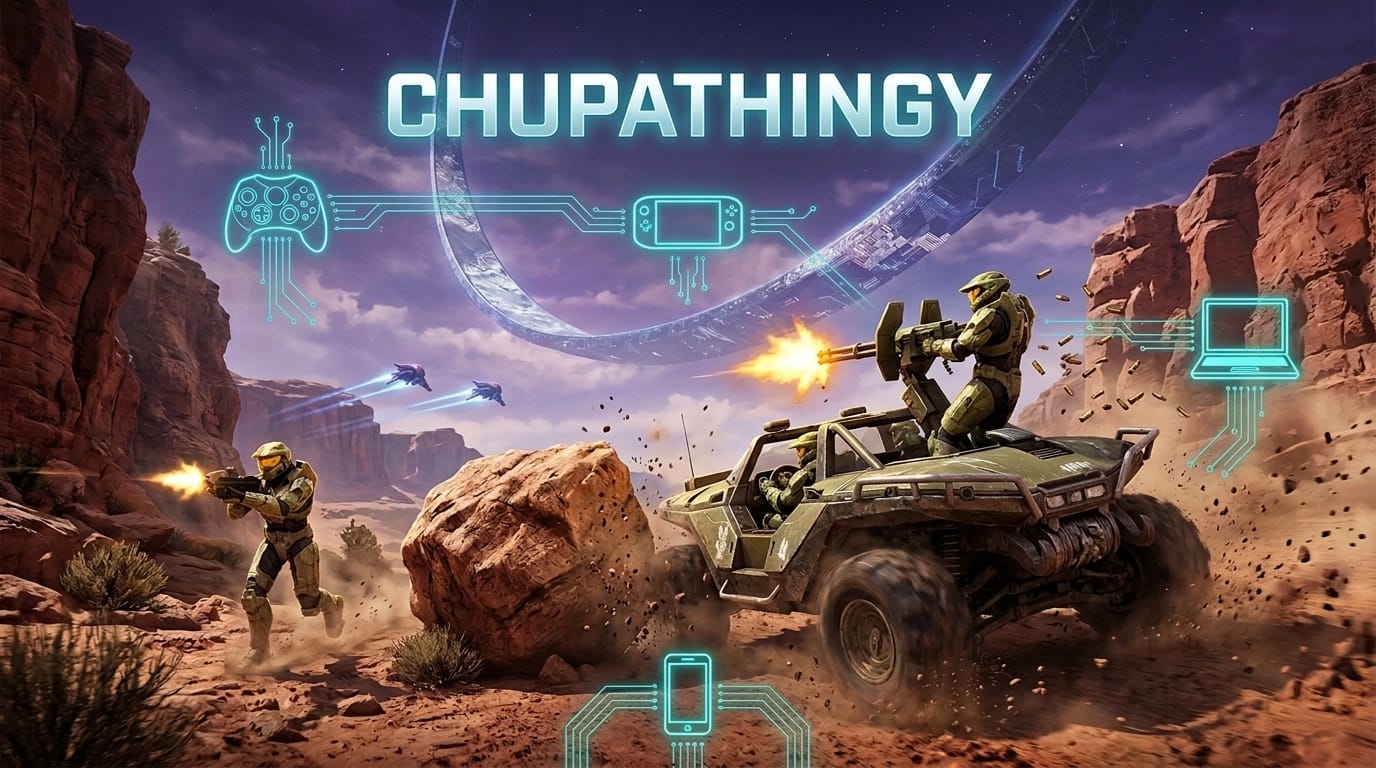
Read that tweet again. In 2026, you can boot up a 25-year-old original green-jeweled 2001 Xbox console, hop into a dedicated server, and engage in a high-stakes capture-the-flag match on Blood Gulch against someone playing on an M3 MacBook Pro, someone grinding on a Steam Deck, someone on a high-end Windows battlestation, and someone fragging on an Android smartphone. All in the same lobby. All playing native C code. Zero emulation lag.
What Is Chupathingy? (And Why That Name?)
For Halo purists, the name alone brings an instant grin. In the second episode of Rooster Teeth's historic machinima series Red vs. Blue, Red Team's Sergeant Sarge inspects their newly delivered M12 LRV jeep:
"Hey, what about that thing, that Mexican thing? What is it, eats all the goats?"
"That would be the Chupacabra, sir."
"Hey, how 'bout Chupathingy? How 'bout that? I like it. Got a ring to it."
Underneath the comedic exterior lies a masterwork of reverse engineering. Spearheaded by developers Milenko and HorribleDev—and building upon the historic decompilation work of punpckhdq and bnunu—Chupathingy statically ports the original Xbox Halo: Combat Evolved binary into native, cross-platform C code.
Unlike The Master Chief Collection—which ported Gearbox's historically compromised 2003 PC port with broken shaders, incorrect bump maps, and awkward netcode—Chupathingy is built from the ground up for absolute fidelity, stability, and community autonomy:
- Universal Platform Reach: Runs natively on Windows (64-bit and 32-bit), macOS (Apple Silicon M-series and Intel), Linux and Steam Deck, and Android handhelds and phones. The companion console line, Warthog, runs on real original Xbox hardware and is in development for Xbox 360.
- 24/7 Dedicated Server Browser: No peer-to-peer matchmaking wait times or broken Xbox Live lobbies. Chupathingy features an integrated in-game server browser, official round-the-clock dedicated servers (tagged
[D]), automatic match carnage reports, and service record stats. - Zero-Internet System Link & LAN Parties: If the internet drops, the fun doesn't stop. Offline System Link works across your local Wi-Fi or ethernet switches with zero accounts required, alongside full offline split-screen.
- Legacy Map Support: Got classic maps from Halo PC or Custom Edition? Chupathingy natively loads them into the engine alongside retail Xbox maps.
Corporate Apathy vs. The Fan-Led Renaissance
The explosive community excitement around Chupathingy exposes the deep rot inside modern AAA game publishing. For decades, Microsoft's stewardship of Halo has been marked by defensive protectionism: shutting down celebrated fan projects like Installation 01 and ElDewrito, all while failing to deliver a polished, complete product of their own.
Microsoft spends tens of millions of dollars on CGI trailers and licensing partnerships, yet they couldn't even keep local campaign split-screen in their flagship shooter. They treated Halo like an asset to be milked for battle-pass revenue, while alienating the foundational community that spent twenty years playing LAN parties in basements.
Chupathingy represents the exact opposite philosophy. It is built by people who genuinely love the game, for people who genuinely love the game. There are no battle passes, no microtransactions, no predatory telemetry, and no corporate roadmaps designed around fiscal quarters. Just pure, blistering, 2001-era arena shooter perfection running at uncapped framerates across whatever screen you happen to own.
How to Download, Install, and Join the Game Right Now
Chupathingy strictly follows the clean-room preservation model established by Ship of Harkinian and Project Midas: zero copyrighted Microsoft or Bungie assets are included in the download. You bring your own legally dumped original Xbox Halo: Combat Evolved disc image or extracted folder, and the launcher takes care of the rest.
Step 1: Download Your Platform Build
Grab the latest standalone package directly from chupathingy.org or the official GitHub Releases:
- Download for Windows (64-bit) | Windows (32-bit)
- Download for macOS (Universal: Apple Silicon & Intel)
- Download for Linux & Steam Deck (64-bit) | Linux (32-bit)
- Download for Android (APK Package)
Step 2: Point It to Your Game Files
Unzip the folder anywhere on your storage drive (there is no invasive installer). On first launch, the game prompts you to select your Halo CE disc image or extracted game folder. The engine validates the integrity of the files before proceeding.
Step 3: Hop Online
The solo campaign is instantly playable. To join multiplayer, open Multiplayer, select Online Games, pick any active server from the built-in browser, and grab a shotgun.
Step 4: Join the Community
Want to organize matches, participate in Big Battle nights, or host your own dedicated Raspberry Pi server? Join the official community hubs:
- Discord: discord.gg/chupathingy
- Source Code: GitHub: ChupathingyCE/chupathingyce
- Official Website: chupathingy.org
The Community Always Wins
You can rebrand 343 Industries as many times as you want, Microsoft. You can switch to Unreal Engine 5, you can hire celebrity consultants, and you can sell \$20 master chief armor coatings in an in-game store. But you will never manufacture the raw, infectious joy of an OG Xbox gamer driving a Warthog with an Android player gunning in the back seat and an M3 Mac user sniping from the red base.
Halo didn't die. It just moved to Chupathingy. See you on Blood Gulch.