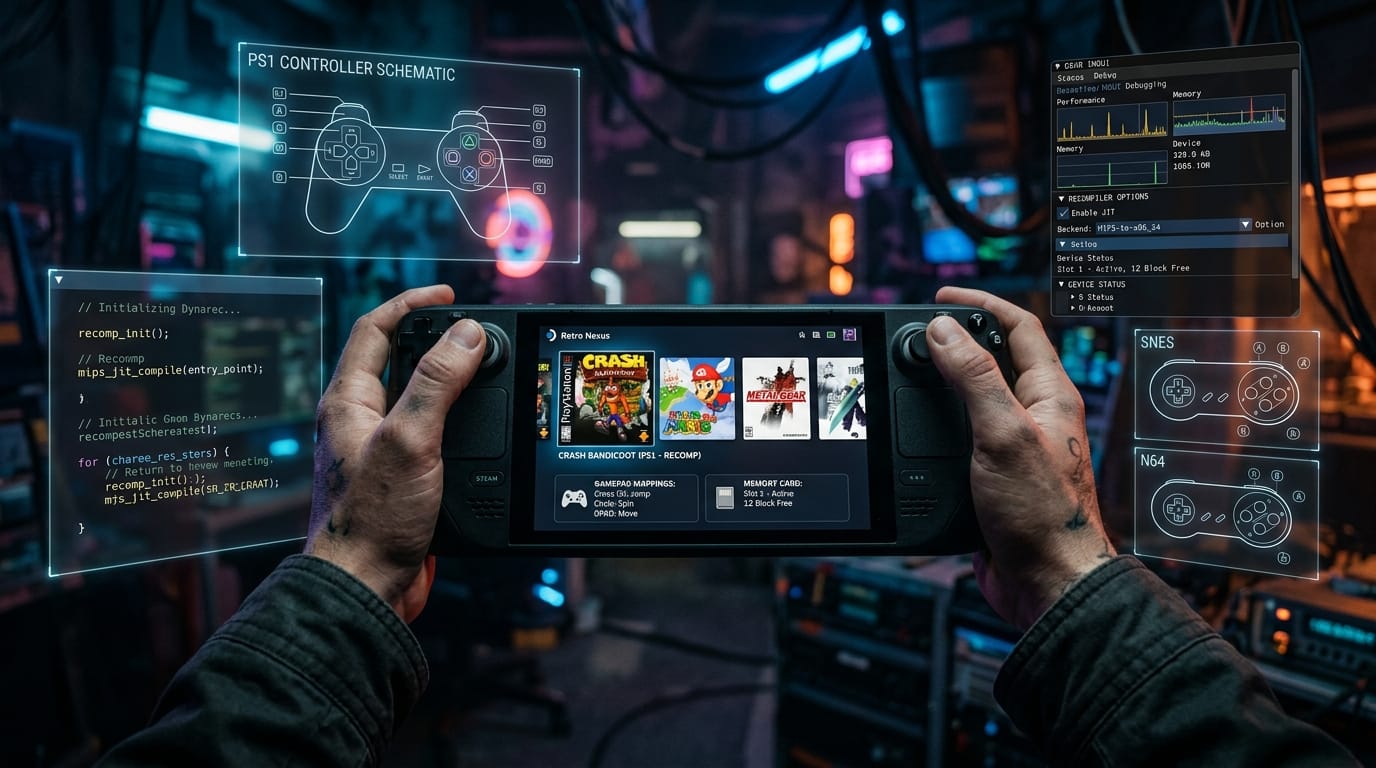

We are living in the golden age of video game static recompilation. From Zelda and Perfect Dark on N64Recomp to Ape Escape on PlayStation, Mega Man X on Super Nintendo, and Wave Race: Blue Storm on GameCube, classic console executables are being translated into blistering-fast, native C binaries. But while developers are performing literal miracles reverse-engineering assembly and reconstructing custom rendering pipelines, an infuriating user-experience pitfall continues to plague the scene: the bare OS system file picker.
For a player sitting at a multi-monitor desktop with a keyboard and mouse, launching a recomp executable and seeing a standard Windows Explorer or GTK file dialog pop up to select a ROM or ISO is a minor quirk. But for the millions of players experiencing these ports on the Valve Steam Deck, ASUS ROG Ally, Lenovo Legion Go, or a living room TV with a wireless controller, that pop-up file dialog transforms what should be a sublime retro experience into an unplayable nightmare.
Fortunately, an elegant, drop-in solution already exists: recomp-ui by mstan and the RetroPortingToolkit team.
The Handheld Nightmare: Why OS File Pickers Break on SteamOS
To understand why this issue is so critical, one must understand how handheld gaming operating systems operate—most notably Valve's SteamOS Game Mode, which is powered by the Gamescope micro-compositor:
The Gamescope Focus Trap: Gamescope is designed to manage a single, full-screen gaming canvas controlled exclusively via gamepad input. When a bare recompilation binary calls tinyfiledialogs, Zenity, KDialog, or Win32 GetOpenFileName(), the operating system spawns a secondary XWayland desktop window. Gamescope frequently fails to route controller focus to this subwindow, trapping the user on a black screen or leaving a microscopic desktop dialog stranded behind the game process.
- The Clunky Workaround: To navigate a system file picker on a Steam Deck, the user must hold the
STEAMbutton to activate trackpad mouse emulation, squint at microscopic Linux directory paths like/home/deck/.local/share/or/run/media/mmcblk0p1/, and attempt to double-click tiny file entries. - The Living Room Barrier: If the handheld is docked to a 4K television or running on a home theater PC with an Xbox or DualSense controller, trackpad mouse emulation isn't even an option. The user is completely stranded unless they get off the couch, walk across the room, and plug in a physical USB mouse.
- Fragile First Impressions: A player’s first encounter with a recompiled game should feel like turning on a console—not like debugging a Linux window manager.
Enter recomp-ui: A Universal, Gamepad-First Launcher
Originally forged as the launcher_ng interface for the acclaimed SNES-recomp project, recomp-ui has been generalized into a console-agnostic, modular launcher and in-game overlay studio for all static-recompilation ecosystems:
| Feature | Standard Bare Recomp | With recomp-ui Integration |
|---|---|---|
| Navigation Model | Mouse / Keyboard OS file picker | 100% Gamepad & D-Pad driven (SDL2 / SDL3) |
| Rendering Pipeline | Host OS windowing widgets | Dear ImGui drawn directly inside the game's OpenGL canvas |
| Console Ecosystems | Hardcoded per game | Unified profiles for PSX, SNES, N64, NDS, GBA, Genesis, NES, GB, GBC |
| Asset & ROM Verification | Silent crash or black screen on bad dumps | Built-in CRC32 / SHA-256 validation with clean/bad dump diagnostics |
| Controller Setup | External text/INI editing | Visual controller diagrams with interactive button rebinding |
| Memory & Saves | Manual file management | Integrated PS1 memory card formatter & SRAM management |
| Live In-Game Overlay | None (Restart required to change settings) | Runtime overlay API for live CRT filters, aspect ratios & volume |
Proven in production across titles as radically different as Mega Man X (Super Nintendo with CRT shaders and SNES pad rebinding) and Ape Escape (PlayStation with dual-analog stick mode switching and memory card management), recomp-ui provides a consistent, premium presentation for any game port.
Architecture: Pure C ABI with Zero Build Bloat
One of the greatest fears developers have when adopting external UI libraries is bloat, massive dependency trees, and fragile network fetches during compilation. recomp-ui avoids these traps completely through rigorous engineering:
Self-Contained & Offline: The entire launcher builds completely offline with zero FetchContent or network pulls. Its recomp_ui.cmake module bundles Dear ImGui, CRC32/SHA-256 engines, an IPS patch applier, and a PS1 memory card formatter in a single lightweight package.
Integration requires just three simple steps in your project's build pipeline:
1. Vendor via Git Submodule
git submodule add https://github.com/RetroPortingToolKit/recomp-ui.git recomp-ui2. Link in CMake
include(${CMAKE_SOURCE_DIR}/recomp-ui/recomp_ui.cmake)

recomp_target_launcher_ui(my-game-runtime
    CONSOLE n64                                  # psx, snes, n64, nds, gba, etc.
    BOXART  ${CMAKE_SOURCE_DIR}/art/boxart.tga   # Optional: Game box art
    PAD     ${CMAKE_SOURCE_DIR}/art/pad.tga      # Optional: Console gamepad schematic
    BRAND   ${CMAKE_SOURCE_DIR}/art/brand.tga)   # Optional: Top-left branding logo
3. Invoke in main()
#if defined(RECOMP_LAUNCHER)
#include "recomp_launcher.h"
#include "launcher_profile.h"

RecompLauncherCSettings io = { /* seed from config.ini */ };
RecompLauncherCGameInfo gi = {0};

launcher_profile_apply("n64", &gi);
gi.name = "Wave Race 64";
gi.expected_crc = 0x93301B5B;
gi.has_expected_crc = 1;

char out_rom[512];
int rc = recomp_launcher_run_window("Wave Race 64 Launcher", &io, &gi,
                                    ".", initial_rom, out_rom, sizeof(out_rom));
if (rc == 0) {
    // Player pressed Play! Boot out_rom with updated settings
}
#endif
The entire contract is governed by a single header (src/recomp_launcher.h) using simple C structs. Adding a custom console profile or overriding game metadata requires no deep architectural rewrites.
Built-in Mod Support and Dual-Screen Systems
Beyond launching the base game, recomp-ui includes advanced features that would take individual developers months to write from scratch:
- Schema-Driven Mod Management: By passing
-DRECOMP_UI_ENABLE_MODS=ON, the launcher unlocks an integrated mod manager that displays available patches, toggleable gameplay choices, and diagnostic logs without requiring third-party mod injectors. - Multi-Display Layout Switching: For systems like the Nintendo DS, recomp-ui features built-in display layout switching (stacked, side-by-side, or independent window views) while preserving touch-screen and controller bindings.
- Automated Save & Settings Persistence: Preferences are automatically written back to
config.iniwhenever the player hits Play, Relaunch, or Quit, ensuring window dimensions, fullscreen states, and controller layouts are never lost.
A Direct Appeal to Recomp Creators
If you are a reverse engineer or compiler author building a static recompilation, you are doing some of the most impressive, technically demanding work in the entire software engineering industry. You are disassembling raw machine code, reconciling hardware quirks, and rescuing beloved cultural artifacts from obsolete silicon.
Please do not trip at the finish line with a desktop file picker.
A handheld-ready, controller-friendly launcher is not an afterthought; it is the front door to your project. By spending thirty minutes integrating recomp-ui, you turn a raw technical demonstration into a polished, commercial-grade standalone release that boots seamlessly on Steam Deck, shines on modern handhelds, and invites players to fall in love with gaming history all over again.
Resources & Documentation
- GitHub Repository: RetroPortingToolKit/recomp-ui on GitHub
- Primary Maintainer: mstan • RetroPortingToolkit Team
- Architecture Guide: recomp-ui Architecture Reference